
Installation
npm install yatori-checkoutOr using your preferred package manager (yarn, pnpm, bun)
Quick Start
import 'yatori-checkout'

<yatori-checkout
  wallet="G8RtxPyG2pdrAhrNRMgg7Hia8imCofdCYxvyWiNG14hx"
  amount="9.99"
></yatori-checkout>
Important: The recipient wallet address must have at least 0.01 USDC already deposited for rent (USDC PDA on Solana).
React TypeScript Starter
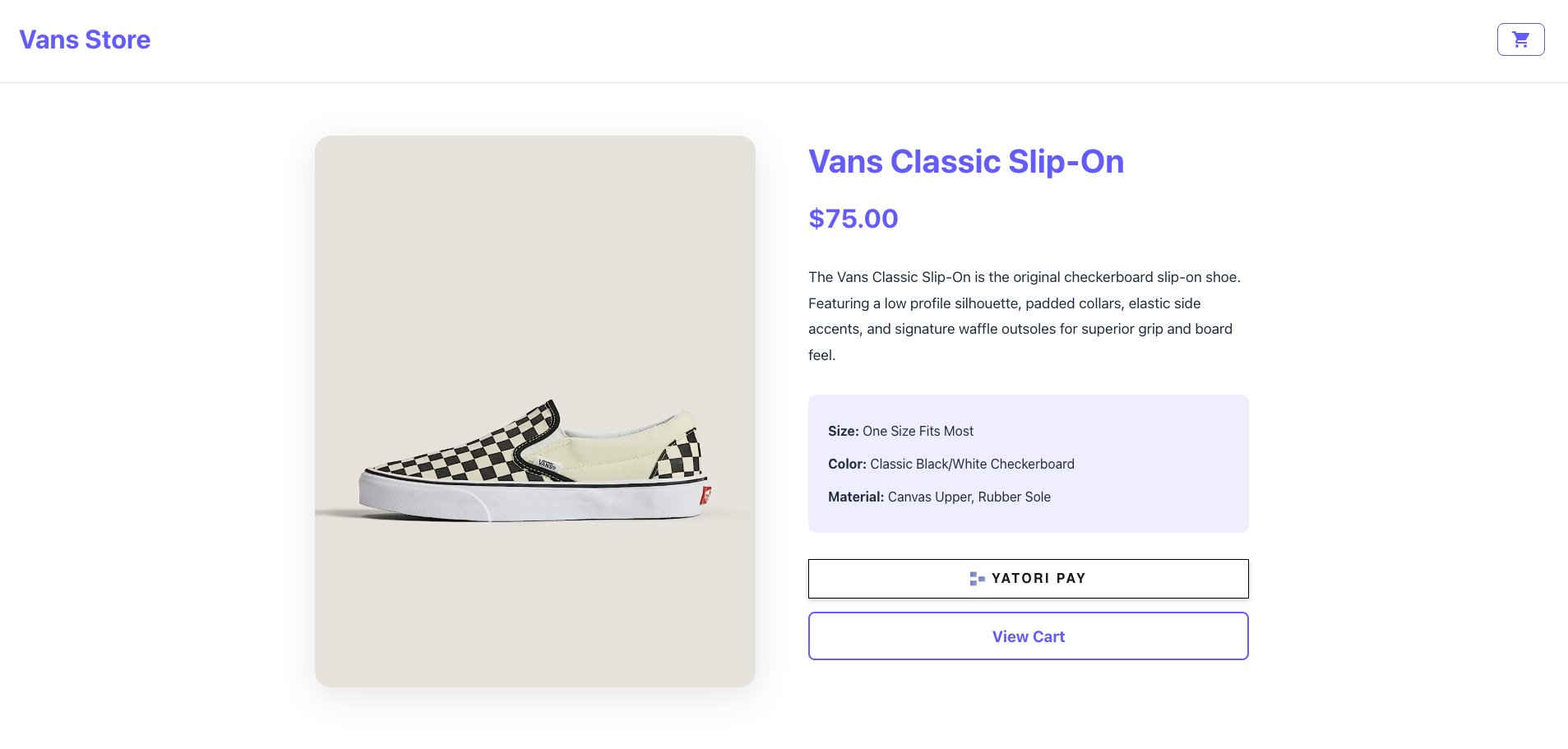
A complete e-commerce demo with product page, checkout flow, and success page with transaction receipt.
What is YATORI CHECKOUT?
YATORI CHECKOUT is a web component for seamless USDC stablecoin payments on Solana with QR code checkout and WebSocket confirmation. It's a mobile responsive solution with QR code and deeplink payment requiring only two parameters, with confirmation enabled out of the box.
Features
QR Code Generation
Automatic QR code generation with YATORI branding
WebSocket Confirmation
Real-time payment confirmation via WebSocket
Mobile Responsive
Deeplink functionality for mobile devices
Framework Agnostic
Works in Vue, React, vanilla JS, and more
Payment Animation
Beautiful payment complete animation
Amount Validation
Built-in validation (max 9999.99)
Documentation & Support
Get started with API references, comprehensive integration guides, and framework examples.